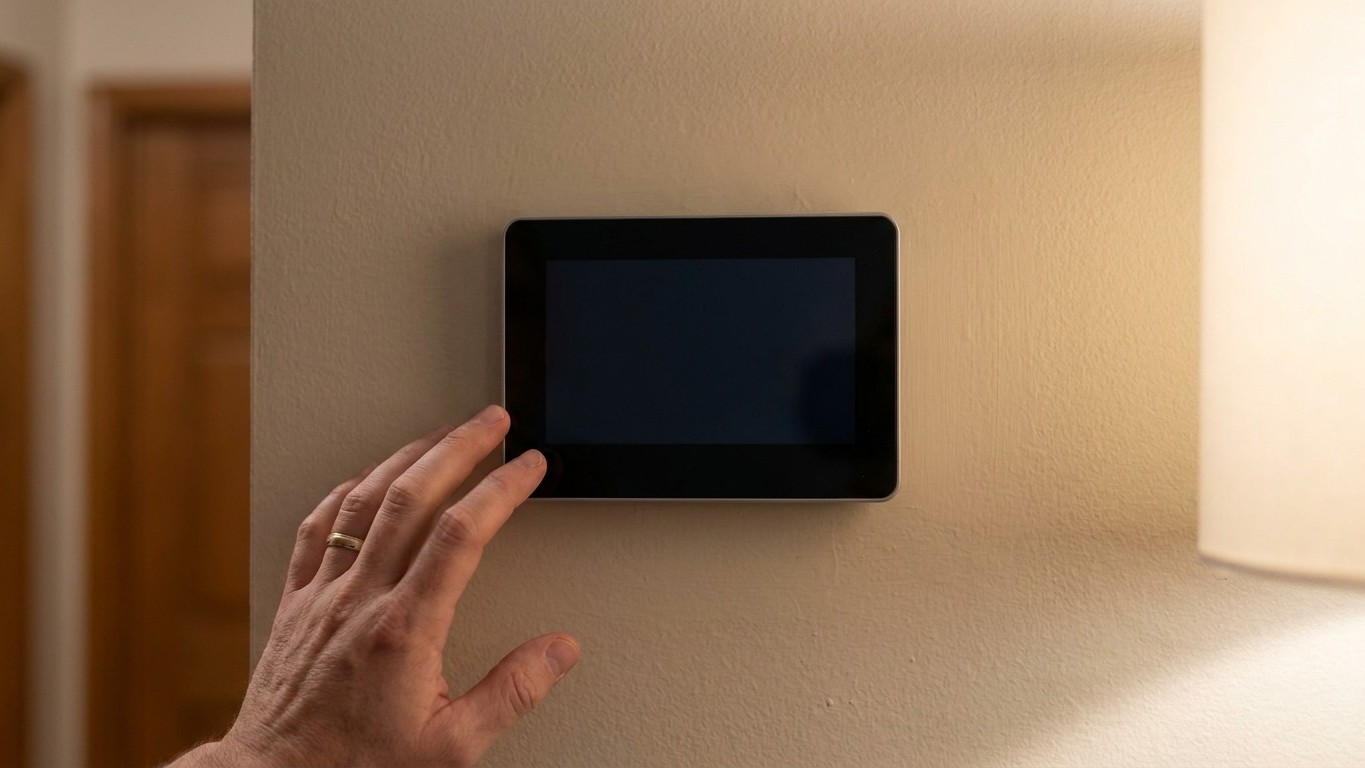

A blank or unresponsive Thermostat almost always traces back to one of two things: no power reaching the unit, or power present but a signal that never leaves the device. Figure out which one you’re dealing with first, and the fix usually takes minutes, not a service call.
Blank screen, or a screen that will not act
Before touching anything, switch the heating or cooling system off at its own power switch, or at the breaker, if you plan to remove the Thermostat‘s cover plate. That single step avoids a short at the low-voltage terminals, and it’s the same precaution a technician would take before opening the same panel.
Once that’s done, split the problem into two separate cases, because they point in different directions. Case one: the screen is completely dark, no backlight, no numbers, nothing. That’s a power problem, plain and simple, and it lives somewhere between the wall plate and the source feeding it. Case two: the screen is lit, shows the current temperature, maybe even shows a mode setting, but pressing buttons or adjusting the setpoint changes nothing on the display and nothing happens at the furnace or the air handler. That’s not a power problem. Power is clearly present. Something downstream of the display, a setting, a delay, or a safety lockout, is refusing to pass the command along.
The distinction matters because troubleshooting a dead screen and troubleshooting a screen that ignores you are two different jobs with two different toolkits. Chasing wiring on a unit that’s fully powered wastes time. Digging through settings menus on a unit with no power at all wastes more.
A third, less common scenario deserves a mention: a screen that flickers, resets itself, or shows a low-battery icon that won’t clear even after a battery swap. That behavior usually means the power supply is marginal rather than absent, something like a battery contact that’s corroded just enough to make contact intermittently, or a wire connection at the terminal block that’s loose rather than fully disconnected. Wiggle-test is not a diagnostic method engineers would endorse, but a gentle check of whether the screen responds when the cover plate is tapped can tell you a lot about whether you’re dealing with a clean failure or a flaky connection.
Once you know which of these you’re facing, the next two sections walk each one through in order.
Where the power comes from
A thermostat gets its power one of three ways, and knowing which applies to your system narrows the search fast. Some run entirely on batteries, usually a pair of AA or AAA cells tucked behind the faceplate. Others rely on a dedicated low-voltage wire, called the common wire or “C wire,” that runs a steady 24 volts from the equipment straight to the thermostat, so there’s never a battery to die. A third group has no batteries and no common wire; instead the thermostat borrows tiny amounts of power from the heating or cooling circuit itself whenever a call for heat or cool cycles the system, a method that works fine until certain newer, power-hungry thermostats try to draw more than that trickle can supply.
Whichever type you have, the checks below go from cheapest and fastest to more involved, and the order is the advice; don’t skip ahead to the breaker before ruling out a dead battery.
- Fresh batteries. Even a thermostat wired to a common wire sometimes keeps a battery backup for settings memory. If the screen is dark, swap in new batteries before anything else, and confirm they’re seated with the polarity right.
- The system’s own power switch. Most furnaces and air handlers have a toggle switch mounted on or near the unit that looks exactly like a household light switch. It’s easy to bump while storing boxes nearby, and it’s flipped by mistake more often than most homeowners expect. Check it before assuming a bigger problem.
- The breaker. Head to the electrical panel and look for a tripped breaker labeled for the furnace, air handler, or HVAC. A breaker sitting in the middle position, neither fully on nor off, has tripped even if it doesn’t look obviously flipped.
- The furnace cabinet door switch. Furnaces have a small switch triggered by the access panel; remove the panel and the switch cuts power automatically as a safety measure. If the panel isn’t seated and latched correctly, the thermostat and system stay dead even with a good breaker and full batteries.
Working through these four in sequence catches the overwhelming majority of blank-screen cases without opening a single wire connection.
The screen works but nothing happens
When the display is alive but commands seem to vanish into nothing, the cause is almost always a setting or a built-in delay rather than a hardware failure. Start with the mode. It sounds too simple to matter, but a thermostat left on OFF, or accidentally switched from HEAT to COOL (or the reverse) after a seasonal changeover, will sit there showing a normal screen while ignoring every request for warmth or cooling. Confirm the mode matches what you actually want the system to do.
Next, check the setpoint against the actual room temperature. If the thermostat is already satisfied, meaning the setpoint is past what the room has reached, it has no reason to call for heat or cooling, and that’s not a malfunction, that’s the system working correctly.
Many systems also run a built-in delay timer after any shutdown, whether from a power blip or a manual switch, as a way to protect the compressor or blower motor from restarting too soon. Waiting five to ten minutes after any power interruption resolves a surprising number of “it just won’t respond” complaints on its own.
Then there’s system lockout: a safety feature that shuts equipment down after repeated faults, a rapid cycling event, or a sensor reading outside its normal range. A thermostat sitting in lockout will often show a fault code or a blinking indicator rather than a plain temperature reading, which is a useful visual clue that something upstream has already flagged a problem.
One upstream cause is easy to overlook because it has nothing to do with the thermostat at all: airflow. As U.S. ENERGY STAR notes, “Airflow problems can reduce your system’s efficiency by up to 15 percent.” A clogged filter restricts that airflow enough that the equipment can trip its own safety switch and shut itself down, which looks exactly like a thermostat that stopped responding, when the actual fault sits inside a dirty filter slot. Checking the filter costs nothing and takes less time than a phone call to a technician.
Where this stops being a homeowner job
Some of this is squarely within reach. Loose or lightly corroded low-voltage wiring at the thermostat terminals, the kind visible the moment you pull the faceplate off, is fair game for a homeowner with a screwdriver. Before disconnecting anything, take a photo of the wire colors and their terminal letters; low-voltage wiring isn’t standardized enough to trust memory, and a photo turns a fifteen-minute reconnection into a two-minute one.
Past the wall plate, the line gets firm. Anything inside the equipment cabinet, the furnace’s control board, the air handler’s blower assembly, the transformer that steps voltage down for the thermostat circuit, belongs to a licensed technician. These components carry higher voltages, connect to gas or electrical supply lines, and are governed by manufacturer specifications that a mismatched part can violate in ways that void a warranty or create a genuine hazard.
Gas components are never a homeowner project, full stop. If a lockout or fault trace points toward the gas valve, the igniter, or anything in the combustion path, that’s a call to a professional, not a project for the weekend.
The breaker deserves its own warning. Resetting a tripped breaker once is normal troubleshooting. A breaker that trips again after being reset is not asking to be reset a second time, it’s reporting a fault, whether that’s a short in the equipment, an overloaded circuit, or a failing component drawing more current than it should. Flipping it back on repeatedly doesn’t fix the underlying issue, and it risks the exact kind of electrical fault breakers exist to prevent. At that point, an electrician or HVAC technician needs to trace the fault before the breaker gets touched again.
Common questions
Why does my thermostat screen show nothing even with new batteries?
If fresh batteries don’t bring the screen back, the unit may rely on a common wire or on power borrowed from the heating circuit rather than batteries alone. Check the system’s power switch, the breaker, and the furnace cabinet door switch next, in that order.
Can a dirty filter really stop a thermostat from responding?
Yes. Restricted airflow can push equipment into a safety shutdown that looks identical to a thermostat fault, even though the thermostat itself is working fine. A clogged filter is one of the first things to rule out before assuming a wiring or control-board issue.
How long should I wait after a power outage before assuming the thermostat is broken?
Give it five to ten minutes. Many systems run a built-in delay after any power interruption to protect the compressor or blower motor, and that delay can look exactly like a nonresponsive thermostat.
Is it safe to open the thermostat cover myself?
Removing the faceplate to check batteries or wire connections is generally fine as a homeowner task, as long as the system is switched off at its own switch or the breaker first. Photograph the wire terminals before disconnecting anything, and stop there if the problem seems to originate inside the furnace or air handler cabinet.