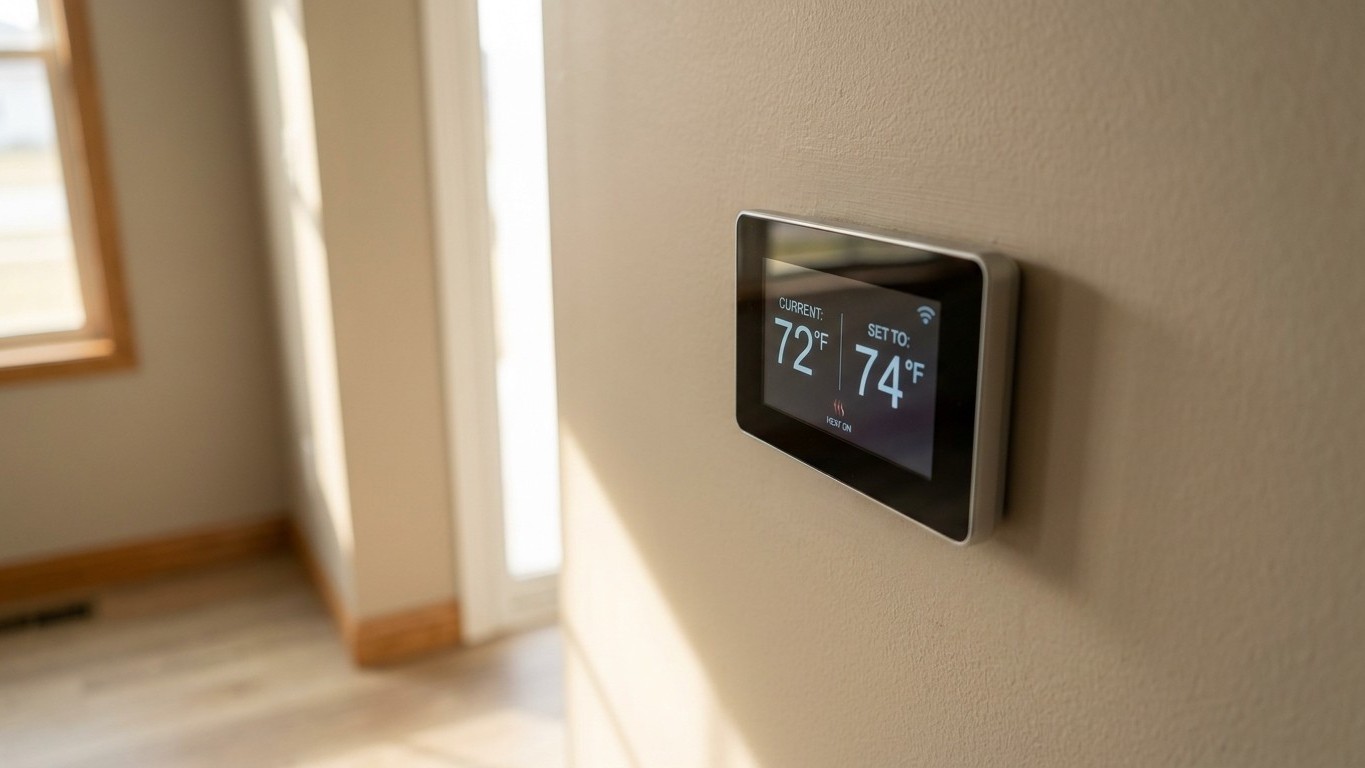

A thermostat’s job is narrow: it reads the air near one spot on one wall and switches equipment on or off around whatever schedule you give it. This hub is the map for the whole subject: how settings and setbacks actually work, how to tell a thermostat fault from an equipment fault when something stops working, and what changes when you swap in a smart model, starting with What a Smart Thermostat Does That a Programmable One Does Not, plus How to Replace a Thermostat Yourself, Step by Step once you’ve confirmed the old unit is the actual problem, and The C-Wire Question if the new unit won’t power on at all. There’s also the simpler everyday setting question of Should the Thermostat Fan Be Set to AUTO or ON?. Use it to find the right guide, then go deep on the specific symptom or setting.
What a thermostat actually decides

Think of a thermostat as a switch with an opinion. It has a sensor, a setpoint, and a small window of tolerance called the differential. When the room temperature drifts past that window, the thermostat closes a circuit and tells the furnace, heat pump, or air conditioner to run. When the room catches up, it opens the circuit again. That is the entire job, and the setpoint you choose for it is its own question, covered in What Temperature Should Your Thermostat Be Set To?, and the related question of whether adjusting that setpoint actually pays off, tackled in Does Turning the Thermostat Down Really Save Money?, though heat pump systems change that calculation, as explained in Why a Heat Pump Thermostat Is Different, and Why Setback Backfires. It’s also worth understanding the modes that temporarily override that setpoint, covered in Hold, Override and Vacation Mode, and that job gets more complicated once a second unit enters the picture, as covered in Two Thermostats, One House. It does not generate heat, it does not generate cold, and it has no way to know whether the equipment downstream is actually capable of doing what it’s being asked to do.
This matters because a surprising share of the faults people blame on the thermostat are really faults of the machine behind the wall. A thermostat calling for Heat Turns On and Off Every Few Minutes looks like a thermostat problem, and so does a system that seems dead at the wall, a case covered in Thermostat Not Working. It is almost always a furnace problem, a filter problem, or a ductwork problem. The thermostat is just reporting the symptom honestly.
Sensor placement is the other half of the story, a topic covered in depth in Why Your Thermostat Reads the Wrong Temperature. A thermostat mounted near a supply vent, in direct afternoon sun, or on an exterior wall behind a picture frame will report a temperature that has little to do with how the rest of the house actually feels; see Where to Put a Thermostat, and Where Never to Put One for the specific spots that cause the most trouble. Move the sensor, or move a remote sensor if the model supports one, and the “broken” thermostat often behaves normally again.
A thermostat also cannot repair or compensate for:
- A duct system that leaks conditioned air into an attic or crawlspace before it reaches the room
- A refrigerant charge that’s low in an air conditioner or heat pump
- A blower motor that’s failing or a filter so clogged it’s choking airflow
- Equipment that was sized wrong for the house in the first place
Keep that boundary in mind as you read the rest of this cocon. Every setting guide assumes the equipment behind the thermostat is working correctly, which is also why How to Program a Thermostat, and Why Most People Give Up is worth reading before you touch the schedule. Every fault guide starts by asking whether it actually is.
Settings, schedules and setbacks
The guides under this hub walk through building a weekly schedule, choosing a sleep setback, deciding how big a swing to allow before wake-up or arrival, and giving the system enough recovery time to catch up. What they don’t do, because there’s no honest source for it, is hand you a single “correct” number to set the dial to. Comfort, house insulation, climate, and equipment type all move that number too much for one figure to apply to every home.
What is citable is the effect of pulling the setpoint back rather than holding it steady all day. The U.S. Department of Energy puts it this way: “You can save as much as 10% a year on heating and cooling by simply turning your thermostat back 7-10°F for 8 hours a day from its normal setting.” Read that sentence carefully, because it’s easy to misquote. It’s 10% a year, not 10% per degree. It applies to the heating and cooling portion of the bill, not the whole utility bill. And it assumes the setback is held for a meaningful stretch, roughly eight hours, not just nudged down for twenty minutes before bed.
That heating and cooling portion is bigger than most people assume. ENERGY STAR notes that “For the average American household, almost half of the annual energy bill goes to heating and cooling – that’s more than $900 a year.” That’s an average across American households, not a prediction for any one house, but it explains why a setback habit that sounds small on paper adds up to real money over a full year.
The practical guides in this cocon build on those two facts rather than repeating them: how to program a schedule around a real work and sleep routine, how to decide whether a setback should happen at night, during the day when nobody’s home, or both, and how much recovery time to give the system before you need the room comfortable again.
When something is wrong
Faults split into a handful of repeating patterns, and most of them point somewhere specific before you touch a screwdriver. Before opening any thermostat cover or disconnecting a wire, cut power at the breaker or the equipment’s disconnect switch, and take a photo of the terminal wiring first. That photo is the cheapest insurance in this entire cocon; it turns a “which wire goes where” panic into a five-second lookup.
| Symptom | What it usually means | Where to go next |
|---|---|---|
| Blank screen | Dead batteries, a tripped breaker, a blown low-voltage fuse, or a loose wire at the terminal block | Guide on a blank or unresponsive thermostat display |
| Screen is on but the system won’t start | Wiring mismatch after a swap, a tripped safety switch on the furnace or AC, or a mode/schedule setting left in the wrong position | Guide on a furnace or AC that won’t turn on from the thermostat |
| Displayed temperature doesn’t match the room | Sensor placed near a vent, window, or heat source, or calibration drift on an older unit | Guide on a thermostat reading the wrong temperature |
| System turns on and off in quick bursts | Oversized equipment, a dirty filter restricting airflow, or a differential setting that’s too tight | Guide on short cycling |
| One room never gets comfortable | A single sensor trying to represent a whole house, closed or unbalanced dampers, or duct runs that shortchange that room | Guide on uneven room temperatures and zoning |
Notice that only one of those five rows is really about the thermostat itself. The rest are the equipment or the ductwork talking through the thermostat, which is exactly the boundary laid out earlier on this page. Duct leakage and airflow restriction are documented issues tracked by ENERGY STAR’s guidance on home sealing and equipment efficiency, not by Department of Energy setback figures, so don’t expect a percentage savings number attached to a leaky duct the way there is for a setback schedule.
If a fix in one of those linked guides involves opening the equipment cabinet rather than the thermostat cover, that’s the point where DIY troubleshooting should hand off to a licensed HVAC technician. Wiring diagnosis and cover-plate checks are reasonable weekend work. Refrigerant, gas connections, and blower motor repairs are not.
Changing the thermostat
A smart thermostat doesn’t change what the device fundamentally does. It still reads a temperature and switches a circuit. What it adds is flexibility around that job: remote schedule changes from a phone, geofencing that senses when the house is empty, usage reports, and in some models a learning routine that adjusts the schedule based on observed habits. None of that helps if the equipment behind it is undersized or leaking air, which is why the earlier sections of this page matter before an upgrade, not just after one.
The single biggest factor in how easy that upgrade is has nothing to do with the new thermostat and everything to do with an old wire. Many smart thermostats want continuous low-voltage power through a dedicated common wire, often labeled C, so the display and Wi-Fi radio stay powered even when the system isn’t calling for heat or cooling. Older systems, especially ones installed before smart thermostats existed, frequently don’t have that wire run. If it’s present, the swap is close to plug-and-play. If it isn’t, the choice becomes running a new wire, using a power-adapter workaround, or accepting a battery-only unit with more limited features.
ENERGY STAR’s position on the savings side of that decision is deliberately narrow: “Smart thermostats that earn the ENERGY STAR label have been independently certified, based on actual field data, to deliver energy savings.” That’s a certification statement, not a percentage, and it doesn’t name any product. Treat it as confirmation that certified models are tested against real usage data, not as a promise of a specific dollar amount on any one household’s bill.
Replacing a thermostat, once the wiring question is settled, follows the same sequence every time: cut power at the breaker before removing the old cover, photograph the terminal wiring, label each wire as it’s disconnected, mount the new baseplate level, match each wire to the corresponding labeled terminal, and restore power to test a heating call and a cooling call separately before calling the job done. Heat pumps, multi-stage systems, and line-voltage baseboard setups add wiring complexity that’s worth handing to an electrician or HVAC tech rather than guessing through.
Common questions
Does turning the thermostat down at night really save money?
It can, based on the Department of Energy’s setback figure, but the savings apply to a sustained pullback of 7-10°F held for around eight hours, not a quick nudge for twenty minutes before bed.
Can I install a smart thermostat myself?
Often yes, especially if the existing wiring includes a common wire. Cut power first, photograph the old wiring, and match terminals carefully. Heat pumps and multi-stage systems are the cases most likely to need professional help.
Why does my thermostat show a different temperature than my phone’s weather app?
Those two devices are measuring completely different things: outdoor air blocks away versus the specific spot on your wall, which may sit near a vent, a window, or direct sun. That’s a sensor-placement issue, not a fault.
Is a bigger temperature setback always better for savings?
Not necessarily. The cited savings are tied to a 7-10°F setback held for about eight hours a day; pushing further doesn’t have a documented additional benefit in the same source, and very large swings can extend recovery time and strain the equipment.
Guides by state
- What Temperature Should Your Thermostat Be Set To?
- Does Turning the Thermostat Down Really Save Money?
- How to Program a Thermostat, and Why Most People Give Up
- What a Smart Thermostat Does That a Programmable One Does Not
- Thermostat Not Working: Blank Screen, No Response, No Heat
- Why Your Thermostat Reads the Wrong Temperature
- Heat Turns On and Off Every Few Minutes: What Short Cycling Means
- Where to Put a Thermostat, and Where Never to Put One
- The C-Wire Question: What It Is and What to Do Without One
- How to Replace a Thermostat Yourself, Step by Step
- Hold, Override and Vacation Mode: What Each Button Actually Does
- Should the Thermostat Fan Be Set to AUTO or ON?
- Why a Heat Pump Thermostat Is Different, and Why Setback Backfires
- Two Thermostats, One House: How Zones Work and Why They Fight
- What Temperature Should Your Thermostat Be Set To?
- Does Turning the Thermostat Down Really Save Money?
- How to Program a Thermostat, and Why Most People Give Up
- What a Smart Thermostat Does That a Programmable One Does Not
- Thermostat Not Working: Blank Screen, No Response, No Heat
- Why Your Thermostat Reads the Wrong Temperature
- Heat Turns On and Off Every Few Minutes: What Short Cycling Means
- Where to Put a Thermostat, and Where Never to Put One
- The C-Wire Question: What It Is and What to Do Without One
- How to Replace a Thermostat Yourself, Step by Step
- Hold, Override and Vacation Mode: What Each Button Actually Does
- Should the Thermostat Fan Be Set to AUTO or ON?
- Why a Heat Pump Thermostat Is Different, and Why Setback Backfires
- Two Thermostats, One House: How Zones Work and Why They Fight