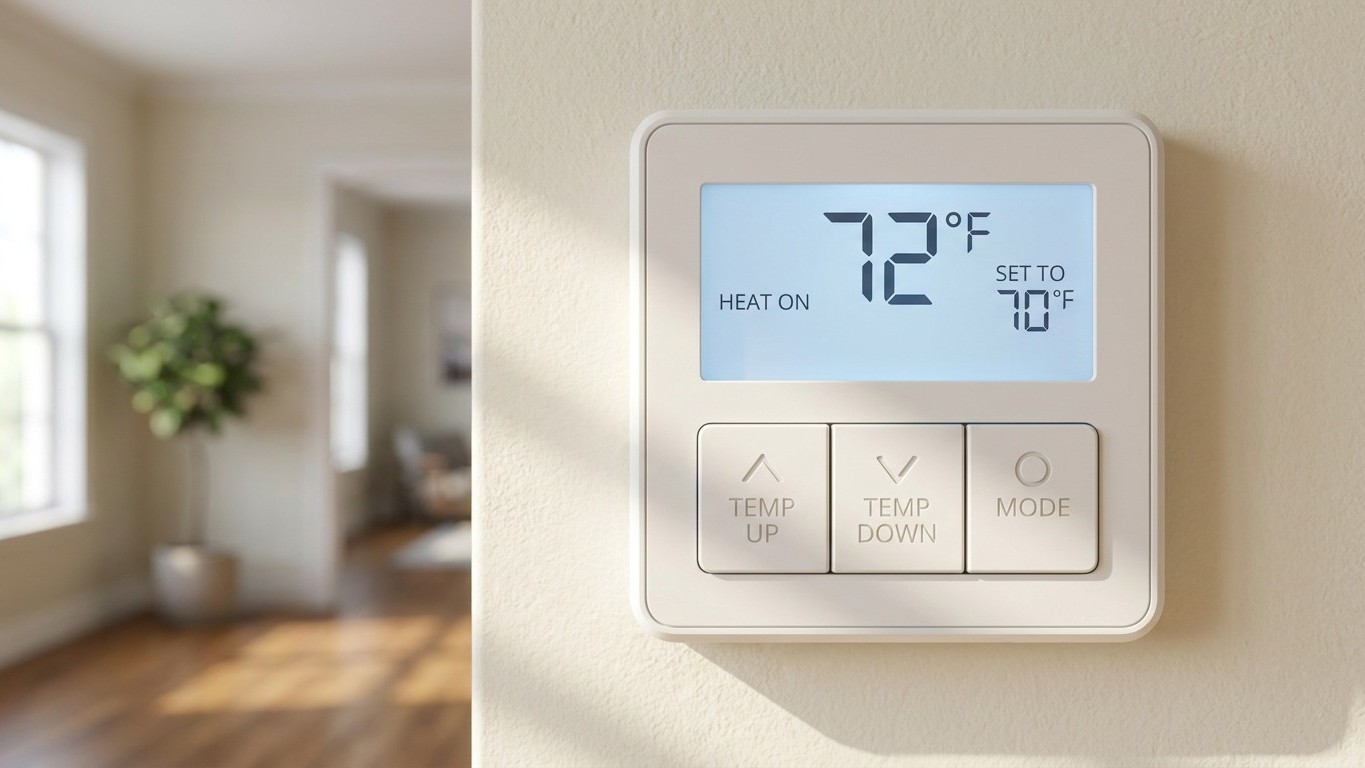

Pressing “hold” on a thermostat freezes the temperature at whatever it currently reads, and it stays there until something tells it to stop. That “something” is where the trouble starts: a temporary hold clears itself at the next scheduled change, a permanent hold clears itself never, and vacation mode does something else entirely, built for absences measured in days, not hours. Mixing them up is why so many programmable thermostats quietly turn back into manual ones.
Three buttons that look the same
On most thermostat screens, these three options sit within a tap of each other, often stacked in the same menu, sometimes even sharing a single “Hold” button that cycles through modes if you press it more than once. That proximity is the whole problem. A homeowner reaching for a quick fix, like bumping the temperature up on a cold morning, can end up in permanent hold without realizing it, because the interface doesn’t visually distinguish “for now” from “forever.”
Here’s how the three actually differ once you look past the label:
| Mode | What it does | When it ends | What happens to the schedule |
|---|---|---|---|
| Temporary Hold | Locks the current temperature setting | Automatically, at the next scheduled program change | Resumes normally at that next change |
| Permanent Hold | Locks the current temperature indefinitely | Only when manually canceled | Stops running; the thermostat behaves like a manual unit |
| Vacation Mode | Sets a wider, energy-saving temperature range for a set number of days | On the date entered, or when manually ended | Resumes the normal schedule automatically on return |
The detail worth sitting with is that a permanent hold doesn’t pause the schedule the way a paused video pauses a movie. It replaces the schedule. The programming is still stored in the thermostat’s memory, untouched, but the device stops consulting it. Every carefully set morning, day, evening and night temperature becomes irrelevant until someone actively cancels the hold. This is precisely how a thermostat installed with four smart setpoints ends up running at one flat temperature, 24 hours a day, for months, with nobody quite sure why the energy bill stopped reflecting the schedule they thought was still active.
The temporary override done right
The most common reason anyone touches a thermostat is simple: it’s cold right now, or it’s warm right now, and the schedule hasn’t caught up yet. That’s exactly what a temporary override is built for. Adjusting the temperature and choosing the temporary hold option (rather than permanent) locks in the change only until the next programmed transition, then hands control back to the schedule automatically, no follow-up action needed.
Used this way, once in a while, on an unusually cold evening or a warm afternoon that ran long, it’s a low-stakes tool. The issue is what happens when the same override gets used at the same hour, week after week. That pattern isn’t a coincidence, it’s data. If the 6 a.m. temperature keeps getting overridden every single weekday, the schedule wasn’t built around the household’s actual routine, it was built around an assumption that no longer holds (a job that changed shift times, kids who now leave earlier, someone working from home three days a week).
The useful habit is treating a recurring override as a prompt to open the schedule editor, not as a permanent workaround. Most thermostats keep a log of recent temperature changes, and scrolling through a week or two of that history is often the fastest way to see the mismatch: the same manual adjustment, at the same time slot, over and over. Fixing the schedule once eliminates the need for the override entirely, and it means the thermostat goes back to doing the one thing it’s designed for, adjusting temperature without anyone touching a button.
Leaving for a week or more
A day away from home and a week away from home are not the same problem, and treating them identically is where vacation mode earns its keep. A single day’s temporary hold or a quick override can leave a house running close to its normal setting without much consequence. Extend that same gap to seven or ten days and the risks change shape depending on the season.
In cold climates, a house left too cool for too long risks frozen pipes, particularly in exterior walls, crawl spaces, or unheated basements where insulation is thin. This is the one place where the instinct to save money by shutting the system off completely needs to be resisted. Heating should stay on at a reduced but still safe setting while away in freezing weather, not switched off. In hot, humid climates, the opposite risk shows up: a closed-up house with the air conditioning off, or set too high, traps moisture indoors with nowhere to go, creating the exact damp, still conditions mold needs to take hold, sometimes discovered only when the smell hits at the front door weeks later.
Vacation mode is designed around both scenarios at once. It sets a wider temperature range, one that costs less to maintain than the daily schedule but still keeps the house within a safe band, and then it returns to the normal program automatically on the date entered, with no need to remember to switch anything back manually. That automatic return matters more than the savings themselves. A house that comes back to its regular schedule the moment someone walks in the door feels normal immediately; a house stuck on a manual override from ten days ago needs someone to notice, diagnose, and fix it, often after the fact.
On the scale of the saving involved, the U.S. Department of Energy states: “You can save as much as 10% a year on heating and cooling by simply turning your thermostat back 7-10 F for 8 hours a day from its normal setting.” That figure describes a daily setback held for eight hours, repeated across a year, covering heating and cooling combined. It isn’t a number for a single week-long absence, and it isn’t a per-degree calculation. What it does confirm is the general shape of the saving: a setback held consistently, over time, adds up in a way a one-off change never will, which is exactly the logic vacation mode is built to automate.
Getting back to a working schedule
The reason permanent holds go unnoticed for so long is that the indicator is small. On many thermostat displays, “Hold” appears as a single word or a small icon in a corner of the screen, easy to miss during a quick glance on the way out the door, and easy to forget entirely once the initial adjustment is a distant memory. Checking for it, and clearing it if it’s there, takes only a few minutes.
- Look at the main display for the word “Hold” or a lock-style icon, usually near the current temperature reading.
- Press the thermostat’s Hold or Schedule button; most units show a menu offering to cancel the hold or resume the schedule.
- Select “Resume Schedule” or “Run Schedule” rather than adjusting the temperature again, which would only reset a new hold.
- Wait for the next scheduled transition time and confirm the temperature actually changes then, not before.
- Open the schedule editor afterward to verify the programmed times and temperatures are still the ones originally set, since a long hold sometimes coincides with a battery change or reset that can affect stored settings.
If a thermostat lost power at any point (dead batteries, a breaker trip, a hardwired unit disconnected during other work) confirm the schedule wasn’t wiped along with the clock. Before opening the wall plate on a hardwired thermostat for any reason, cut power at the breaker first, and photograph the wire terminals before disconnecting anything, so reconnecting them afterward doesn’t turn into guesswork.
Common questions
Does a hold button use more energy than the regular schedule?
Not by itself. A hold locks in whatever temperature is currently set; if that temperature is more extreme than the schedule would normally call for at that hour, energy use rises for as long as the hold stays active. The cost comes from the setting chosen, not from the hold function itself.
Can vacation mode be set for less than a week?
Most thermostats accept any number of days, so it can technically be used for a two- or three-day trip. It tends to make the most sense for absences long enough that the wider temperature swing meaningfully outweighs a simple temporary hold, which is usually somewhere past a couple of days.
Why does my thermostat show “Hold” even though I never touched it?
Some systems automatically switch to a hold after a power interruption or a manual reset, defaulting to whatever temperature was last recorded. It’s worth checking the hold status any time the thermostat has recently lost power, even briefly.
Is it safe to leave heating off completely while away in winter?
No. In freezing climates, heating should stay running at a reduced but safe setting during any extended absence rather than being switched off, since an unheated house risks frozen and burst pipes even over a relatively short cold snap.